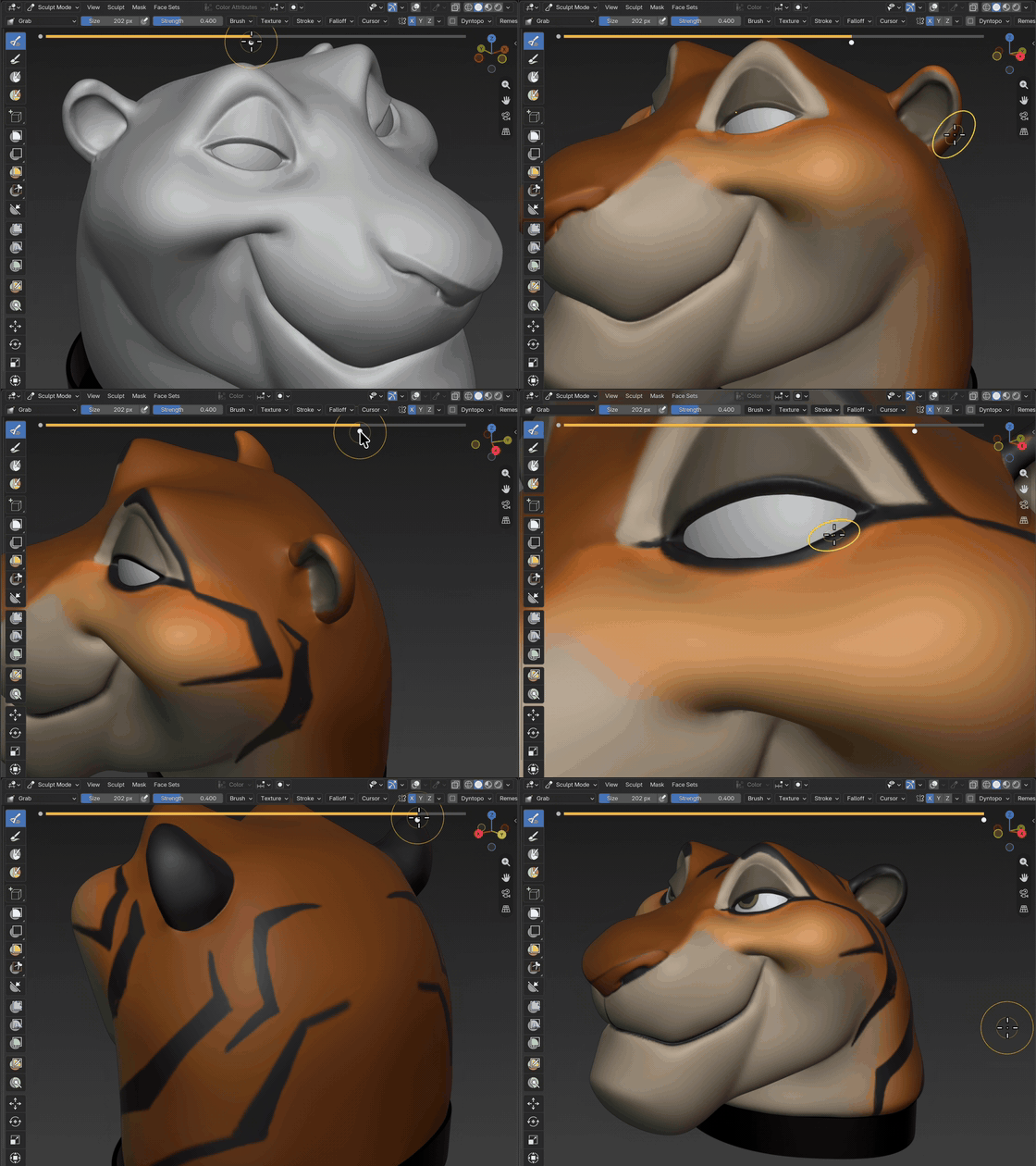
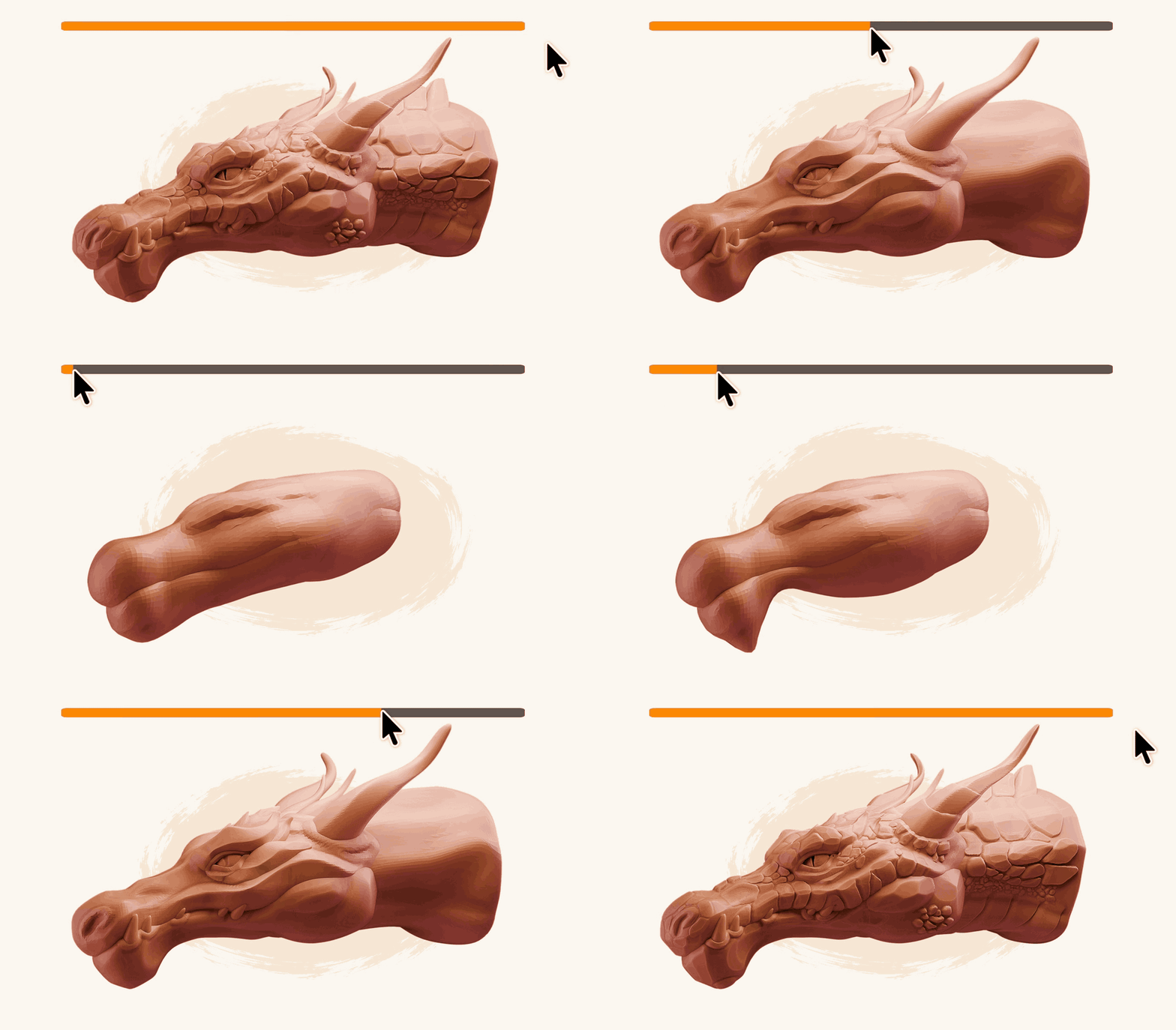
Designer: top navigation bar removed for now. The page leads with the centred logo, the intro GIF, then the trailer. If a nav returns later it should stay minimal and not compete with the hero.
1 · Hero
Designer: this GIF is background-matched: it should feel drawn onto the cream page, not embedded in a player. No dark well, no play button, no chrome. It's the two-second "oh, I get it" before the trailer, so it autoplays and loops silently. Native size is 960×562, centred at its own ratio rather than stretched. The scrub bar is baked into the GIF, so nothing sits on top of it.
Watch the Demo
Hover your mouse below.
Move across to scrub ↔
Ctrl+Z ❌ Scrub your history ✅
↺
Per-Object History
Independent history for each object. Switch objects, keep your history.
⇄
Scrubbable Timeline
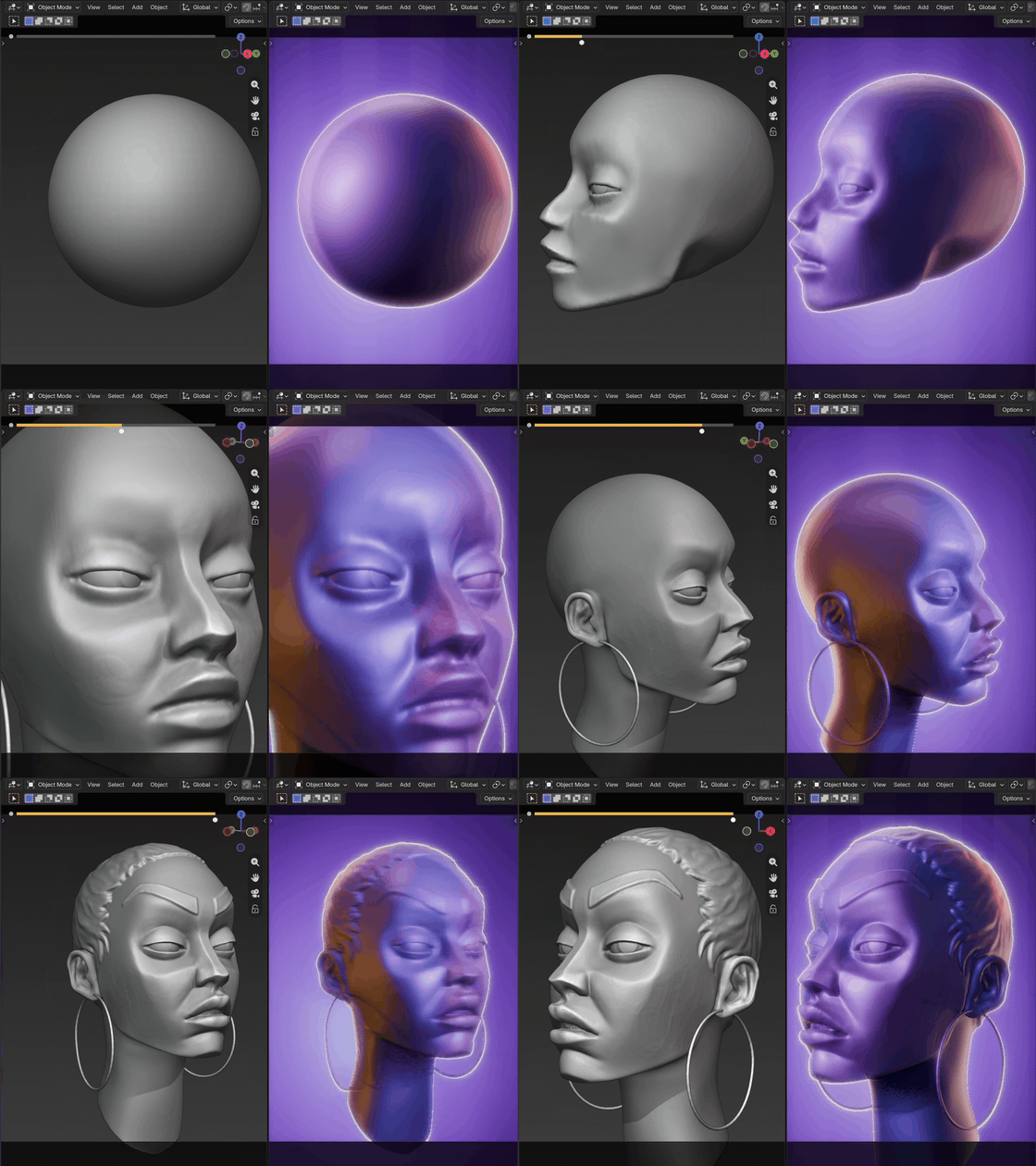
Slide through your sculpt history and preview any step instantly.
🖌
Morph Brush New
Brush one part of the mesh back to an earlier step. The rest stays put.
🎬
Movie Mode
Export what you've made: your sculpt's history as a video.
🛡
Stable & Reliable
Built for real production.
Designer: the centrepiece and the one genuinely interactive element on the page. A visitor moves across it and watches a character build up or rewind: the actual feel of scrubbing before buying. Keep the first-use hover cue and touch support. For now it runs on a single WebP sequence: no region buttons, no set switching. No buy buttons in the hero; the marketplace supplies its own purchase sidebar.
PHOTO
"[Short quote. One sentence, max two lines. The 'someone I respect already uses this' cue.]"
[Name] · [studio / credit]
✦
Designer:interstitial testimonial pattern: a thin single-quote band recurring three times down the page (here, mid-page, before the closing call to action). Not a section: a breath between sections. Keep all three visually identical and lighter than surrounding blocks. One quote each, never a carousel.
2–4 · History everywhere
🗂
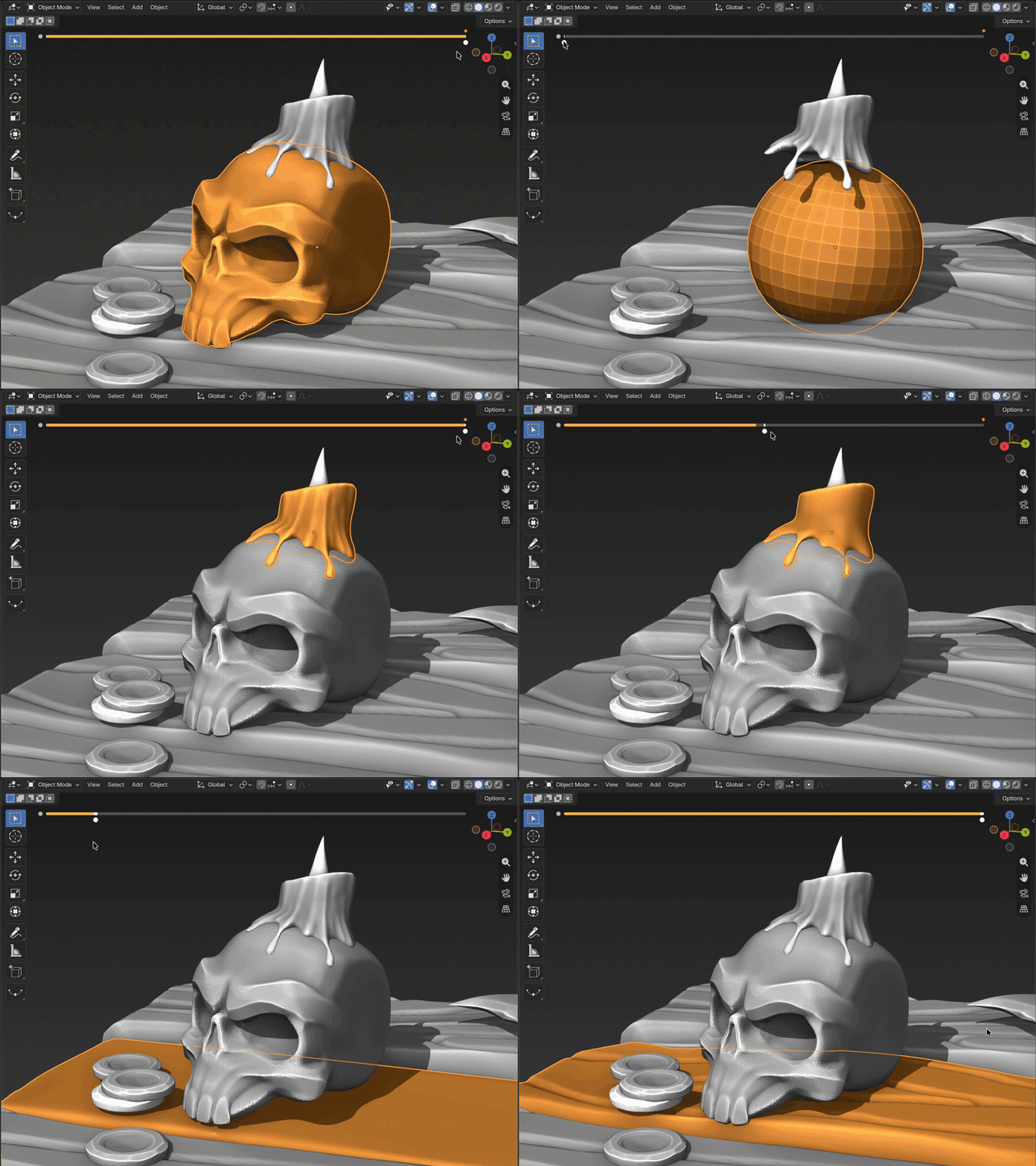
Every object keeps its own undo history.
Switch objects without giving up your place. Each mesh carries a separate visual timeline, ready whenever you come back.
🎨
Vertex paint
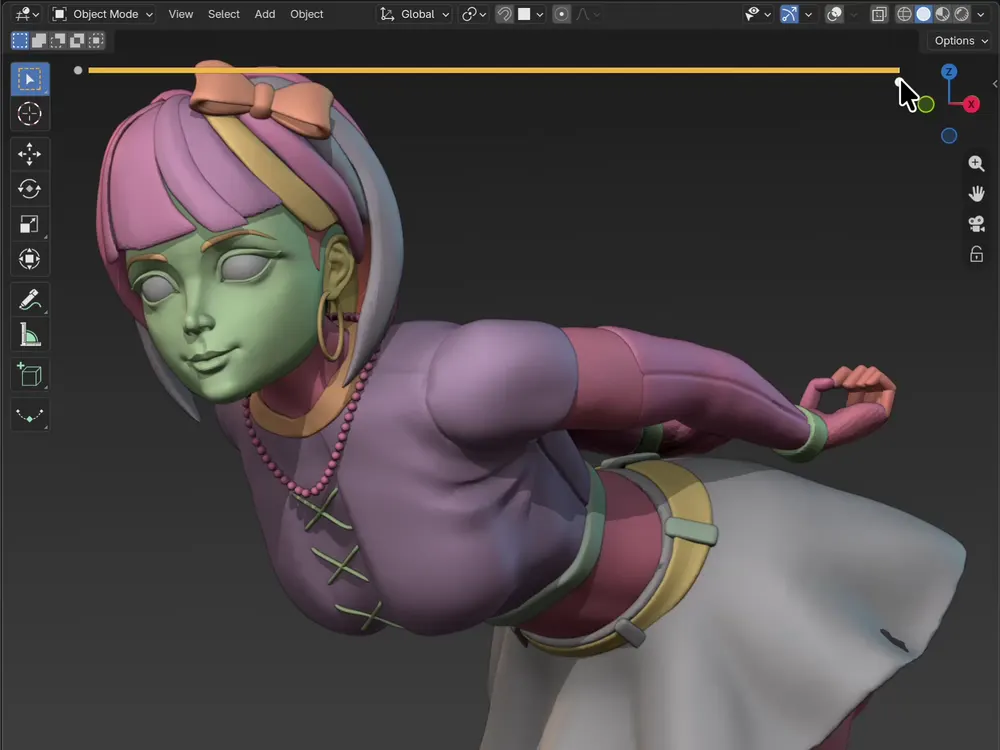
Scrub through paint strokes with the same timeline you use for sculpting.
Designer: per-object history remains the primary differentiator, with vertex paint as a compact supporting proof.
5 · Morph brush
🖌 Morph Brush New
Brush part of your mesh back in time.
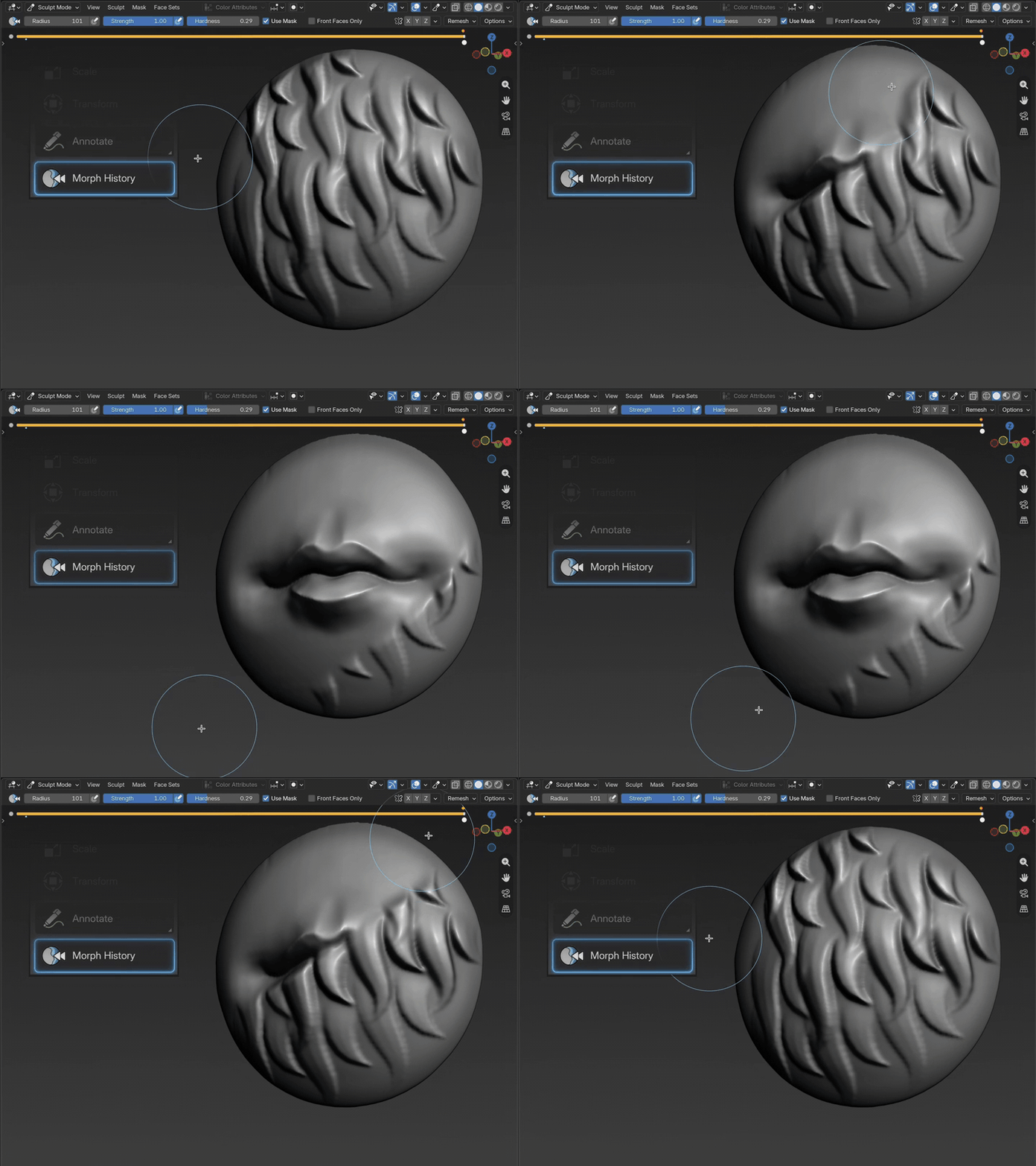
Pick an earlier step, then paint over the area you want back. Only what you
brush travels; the rest of the sculpt stays exactly where it is.
↙
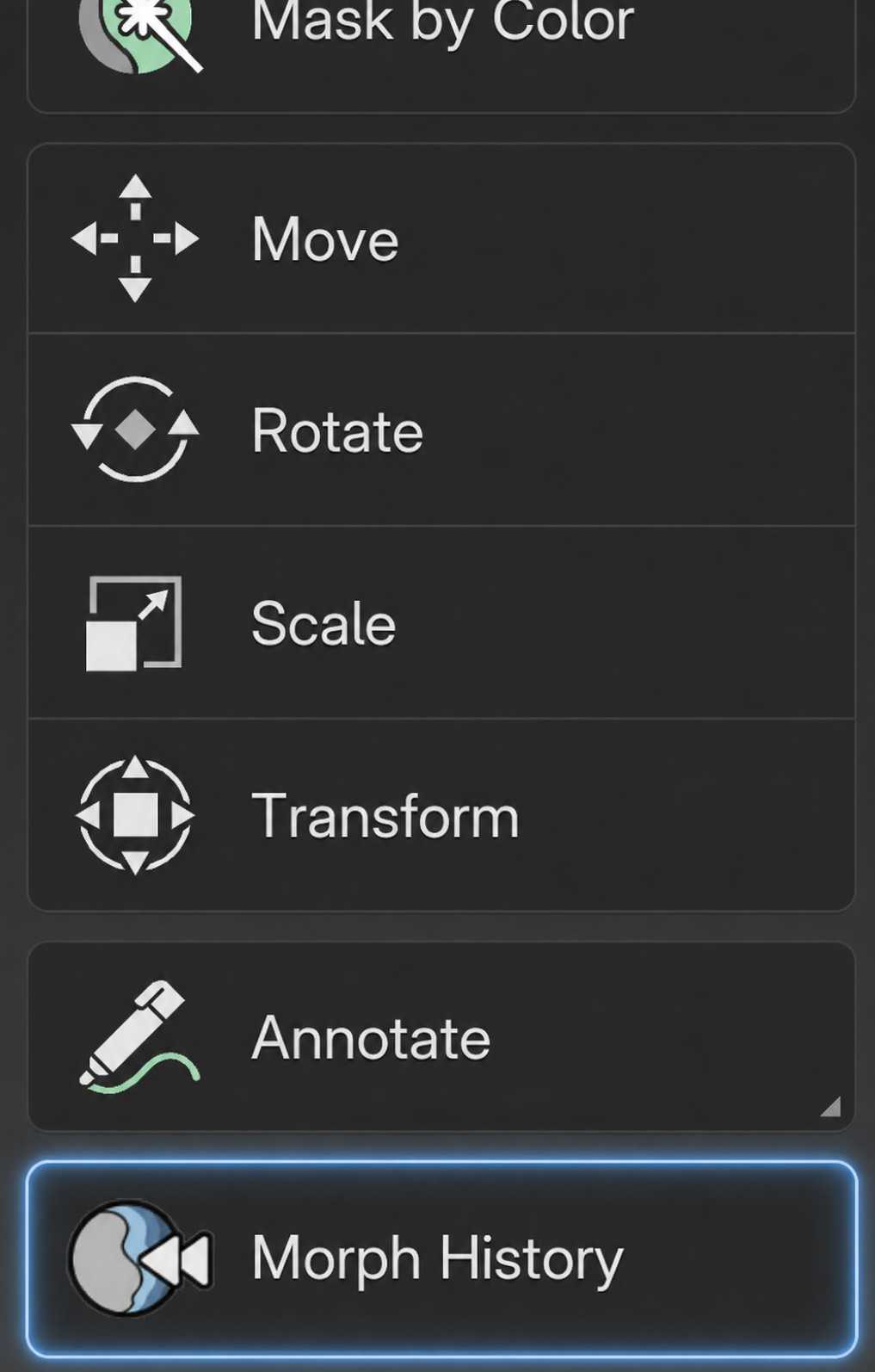
Find it in the Sculpt Mode toolbar.
Open the toolbar and choose Morph History to start brushing from an earlier step.
Designer: the newest feature and the hardest one to grasp from a still image, so it needs motion first, words second.
It follows per-object history and vertex paint, so by now the visitor understands scrubbing a whole object. This is the escalation:
“now paint time onto one part of it.” The GIF carries the idea; the toolbar screenshot beside it shows where to find the tool.
On the morph GIF: the whole claim lives or dies on the viewer seeing that the surrounding mesh does not move.
Frame it so a recognisable landmark stays visibly fixed while the brushed region changes, and keep the timeline in shot so it reads
which step is being pulled from. A cut or a camera move at the wrong moment kills the proof.
Open question from us: naming. “Morph Brush” borrows a term ex-ZBrush users already know, but ZBrush’s morph brush
pulls from a single stored morph target, while ours pulls from any step in the history. If the familiarity is worth more than the
distinction, we lean into it; if not, the headline has to carry the difference on its own. Copy call, not a layout call.
6 · Movie mode
From timeline to playback
🎬
Movie mode
Turn your sculpt’s history into a video you can share.
Designer: sells itself as motion. Show the exported result, not the export dialog. Worth giving room; it's the feature people will share, which makes it marketing that markets itself.
PHOTO
"[Short quote. Ideally one that mentions movie mode or the morph brush, so it reinforces what was just shown.]"
[Name] · [studio / credit]
✦
7 · Face sets, masks & visibility
More than sculpt strokes
◐
Face sets, masks & visibility
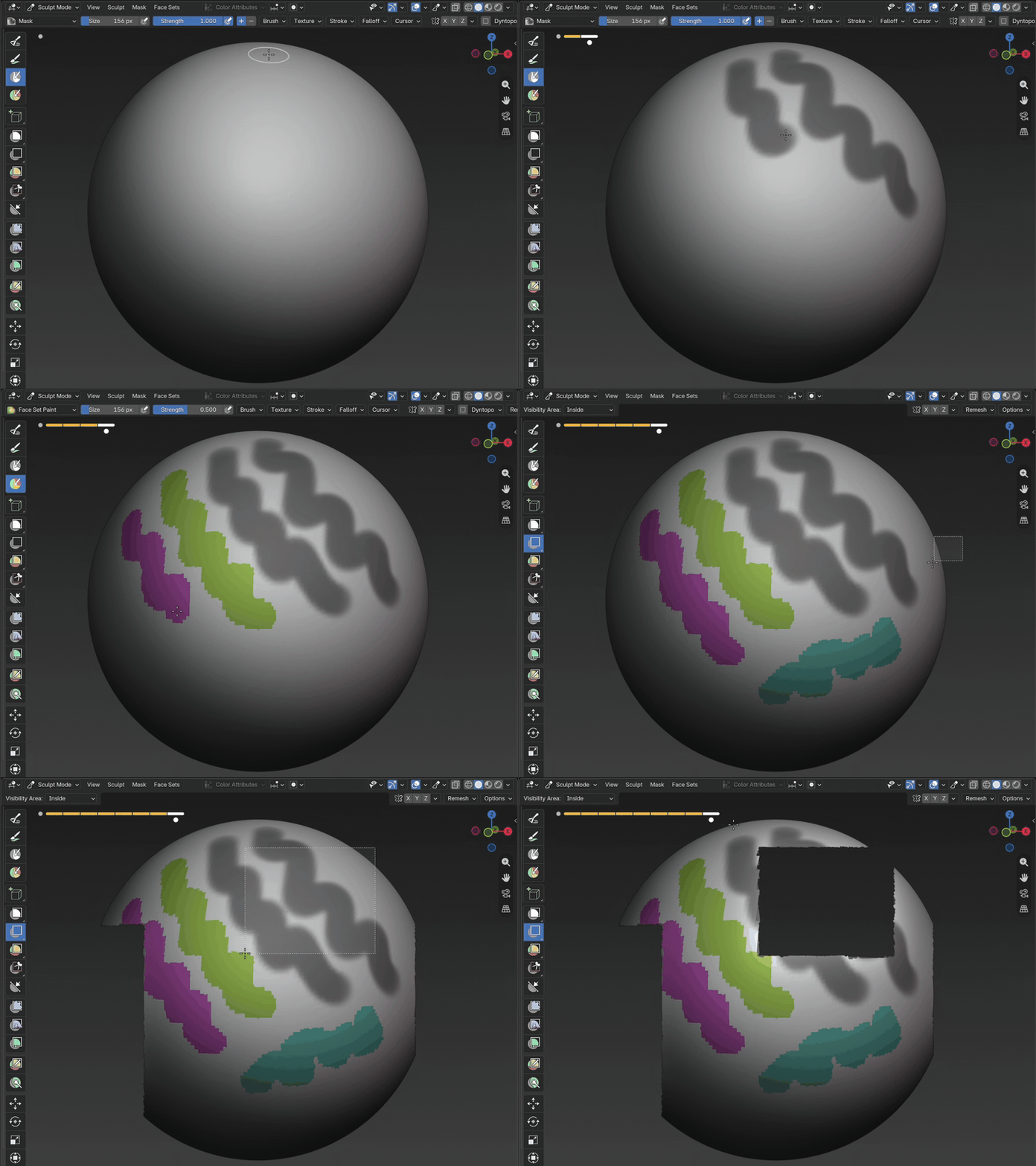
Scrub face sets, masks and hidden geometry through the same visual history.
Working with extremely dense sculpts? Maintaining a visual history adds some processing and memory overhead. You may reach your computer’s practical vertex limit sooner than when sculpting without the add-on, especially in complex Blender scenes. Meshes in the low millions of polygons should generally be okay.
Designer: this follows the same compact text-and-GIF rhythm as Movie Mode, demonstrating face sets, masks and visibility together.
8 · Also included
🖌
All sculpt brushes
Works with every sculpt brush, including Cloth brushes.
💾
Persistence
Close Blender, reopen your project, and pick up with your history still there.
Designer: both of these used to be full GIF sections; they are now text only. Two quiet cards, no media wells. They should read as a footnote to the feature run, lighter than anything above them.
9 · Facts strip
Blender 4.2+
Saves in your .blend
Per-object history
▼ EVERYTHING BELOW IS THE DETAIL HALF, for readers already interested. Text-heavy is fine here. Nothing below this line should move above it.
10 · FAQ
FAQ
Does it slow down sculpting?
Sculpt Rewind is designed to stay out of your way while you work. Very large or complex sculpts may take longer to record and scrub, depending on your computer.
Which Blender versions does it support?
Blender 4.2 and newer.
What does Sculpt Rewind remember?
It remembers your sculpt, masks, Face Sets, vertex painting and hidden areas.
How does the Morph Brush work?
Choose an earlier step, then paint over the area you want back. Brush lightly for a subtle change or make several passes to move closer to the earlier shape.
How much memory does it use?
It depends on the size of your sculpt and the length of its history. Larger meshes and major changes use more space. History controls help keep it manageable.
What happens when I share my project?
Your history can travel beside the project or be packed into the .blend. Choose the option that works best for you before sharing.
How do support and refunds work?
Need help? Contact support with your Blender version and a short description of the problem. Refunds follow the policy of the store where you purchased Sculpt Rewind.
Does the Morph Brush work after remeshing?
Set a new Morph target after remeshing or changing the mesh structure. You can keep using the same target while making normal sculpting changes.
PHOTO
"[Short quote. The last-doubt closer. Trust: reliability, performance, or 'I use it every day'.]"
[Name] · [studio / credit]
✦
Designer: third and final strip, immediately before the closing call to action: the last nudge before a buying decision.
Designer: footer carries changelog and contact. Visible maintenance is a buying signal in this market.
Handoff notes
What this file is
A branded skeleton: the wireframe structure with a first pass at the visual direction: Fuzzy Bubbles headers, warm cream ground, orange accent, rounded cards, dark media wells for Blender captures. Treat colours and spacing as a starting point, not a spec.
Assets still needed
Logo / wordmark: the brush-and-swoosh mark; works small, light and dark.
Marketplace thumbnail: legible at ~250px on a phone; slider UI over a recognizable sculpt.
Morph brush GIF set: the big morph shot plus the three how-it-works clips. The set has to make “only the brushed part moved” unmistakable.
Interactive scrubber: frame/chrome, drag handle, "drag me" cue. We supply one WebP frame sequence.
Doodle set: sparkles, underline swooshes, arrows with handwritten labels, in the style of the mockups.
GIF frame treatment: a consistent frame/shadow/corner style for the 12+ media wells.
Social card (Open Graph) for Reddit / X / Discord previews.
Mobile layouts for the full page.
We provide: trailer, all GIFs, the WebP frame sequence, screenshots and final copy. You provide: layout, identity, visual system.